Home Office Allowances vs One-Time Stipends: What Works?
Quick Answer
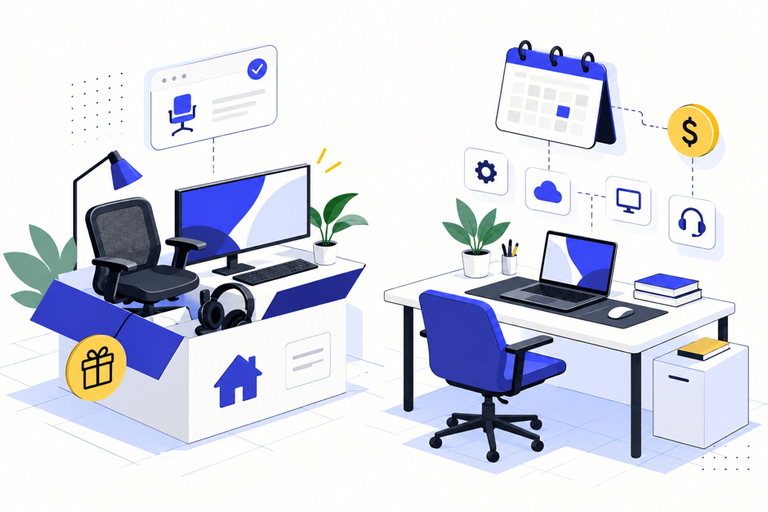
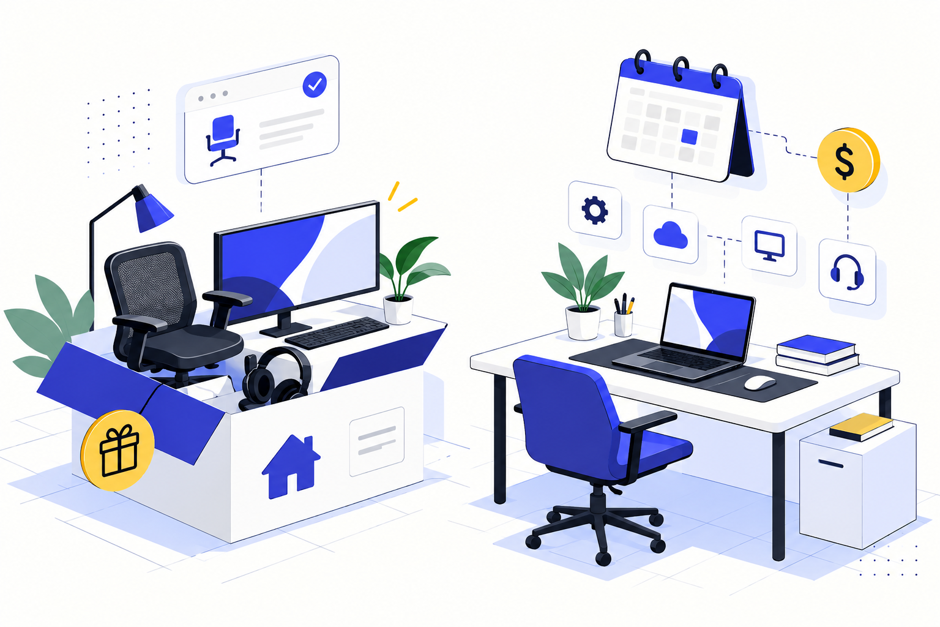
A recurring home office allowance suits teams that work from home regularly, because costs and needs keep changing. A one-time stipend suits short, defined setups such as a new hire’s first desk and chair. Either way, set clear rules, keep receipts and check the tax treatment with the CRA’s guidance before you launch.
Remote work did not disappear, but it settled into a smaller, steadier pattern, and employers still have to decide how to support people who work from home part or all of the week. Two approaches dominate: a one-time stipend to set up a workspace, and a recurring allowance that employees can use over time. This guide compares them, explains what rules to set and what the CRA says about tax, and shows how to run either one without drowning in receipts.
Key Takeaways
- In May 2025, 17.4% of employed Canadians mostly worked from home, down from 18.7% a year earlier, according to Statistics Canada.
- A one-time stipend fits a defined setup, and a recurring allowance fits ongoing and changing needs.
- The CRA says a benefit includes an allowance or reimbursement of an employee’s personal expense, and benefits are generally taxable unless an exclusion applies.
- Employees who want to deduct home office expenses generally need a form signed by their employer, so decide how you will handle those requests.
- Write down eligible items, limits and documentation rules before launch.
How Common Is Working From Home?
Statistics Canada’s commuting and working from home release says the proportion of employed people mostly working from home fell for the fourth year in a row, from 18.7% in May 2024 to 17.4% in May 2025, which resulted in more commuters. Remote work is therefore less common than at its peak, but a meaningful minority of workers still rely on a home workspace, and many hybrid employees need one for part of the week.
Allowance vs Stipend: What Is the Difference?
| Factor | One-time stipend | Recurring allowance |
| Best for | A defined setup, such as a desk, chair and monitor | Ongoing and changing needs, such as software or replacements |
| Cost pattern | One payment, easy to budget | Spread over time, easy to adjust |
| Administration | Simple, with one claim | More claims, but they can be small |
| Risk | Needs change and the stipend is spent | Unused balances need a policy |
| Equipment ownership | Often needs a clear rule | Often needs a clear rule |
What Rules Should You Set?
Eligible Items
List what counts: office furniture, computer equipment, software and ergonomic accessories are typical. Be explicit about gray areas, such as a second monitor or a standing desk, so employees do not guess.
Limits and Timing
Decide the amount, how often it can be used and whether unused funds carry over. A stipend might be a single amount in the first 90 days. An allowance might be a monthly, quarterly or yearly amount with a stated carry-over rule.
Ownership of Equipment
State who owns the items and what happens when someone leaves. Many employers treat equipment bought for work as the employee’s to keep after a set period, while others require return. Whichever you choose, put it in writing.
Documentation
Require receipts and a short description for every claim. The CRA’s guidance on benefits depends on facts such as whether an expense is personal, so a clear record helps if questions arise later.
What About Tax?
The CRA’s page on what is a taxable benefit says that generally, benefits you provide to employees are taxable under section 6 of the Income Tax Act unless specifically excluded, and that a benefit includes an allowance or a reimbursement of an employee’s personal expense. It also explains that administrative policies identify conditions under which some benefits may not be taxable. Whether a particular item is taxable can depend on its nature and use, so review your categories with your payroll provider.
There is a separate employee-side question. According to an Ernst & Young Canada tax alert, employees can generally deduct home office expenses only if they receive a form from their employer confirming the conditions, and the form asks the employer whether the employee worked more than 50% of the time from a home workspace for at least four consecutive weeks. That means employers should have a process for these requests, whatever allowance they offer.
How Do You Administer It?
The less paperwork, the better the adoption. Some platforms already treat the home office as a spending category: GoKlaim‘s use case for IT teams describes remote, hybrid and office-based employees using customizable benefits that cover home office setup, and its Wellness Spending Accounts list a Home Office Setup category with office furniture, computer equipment, software and ergonomic accessories. Employers can add custom categories and set limits for specific categories. Employees file a claim in the app by snapping the receipt, describing the expense and submitting it, and claims are approved within 24 to 48 hours
Final Thoughts
The best home office support is the one people understand and use. A stipend gets a new setup in place quickly, and an allowance keeps it working as needs change. Choose based on how your team really works, write the rules in a short policy, and keep the paperwork light. Check the tax treatment of each category with a payroll professional and decide in advance how you will handle employee requests for the signed form needed to claim home office expenses. Review the policy each year, because equipment prices, work patterns and your own budget will shift, and a policy that was fair when it was written can quietly become outdated.
Frequently Asked Questions
Should we pay a stipend or an allowance?
Use a stipend for a defined setup and an allowance for ongoing needs. Many employers use both: a one-time stipend at the start and a smaller yearly allowance after that.
Is a home office allowance taxable?
The CRA treats benefits and allowances as generally taxable unless an exclusion applies, so check the specific category with your payroll provider.
Who owns the equipment?
That is your policy. Decide, write it down and apply it consistently.
Do hybrid employees qualify?
That is also your policy. Many employers extend support to anyone who works from home regularly, not only fully remote staff.
About the Author